

Set up a Glade org and import data with sf
Task guide
Create a local Glade org target, register it with the Salesforce CLI, and import sample data.
- Create and start a Glade org.
- Write the target into an isolated
sfconfig. - Import tree data and query it back.
For the main task path, use the guide. This walkthrough keeps the illustrated steps and recovery details for this interface.
Before you start
glade doctor --project .passes from the Salesforce DX project root.- The Salesforce CLI
sfis installed. - The project has a Salesforce tree import plan and data files.
- Pick a local target alias and use it consistently in every command below.
- Screenshots for this article are captured in a terminal.
- This creates a local Glade target. It does not create a Salesforce scratch org.
- For this walkthrough, use a disposable Salesforce CLI home so the local target does not touch your real org list or macOS Keychain.
Steps
1. Create and start the Glade org
glade org create <local-target> --project .
glade org start <local-target> --project .
Expected: Glade writes .glade/orgs/<local-target>.sqlite and starts a loopback server for the saved target.
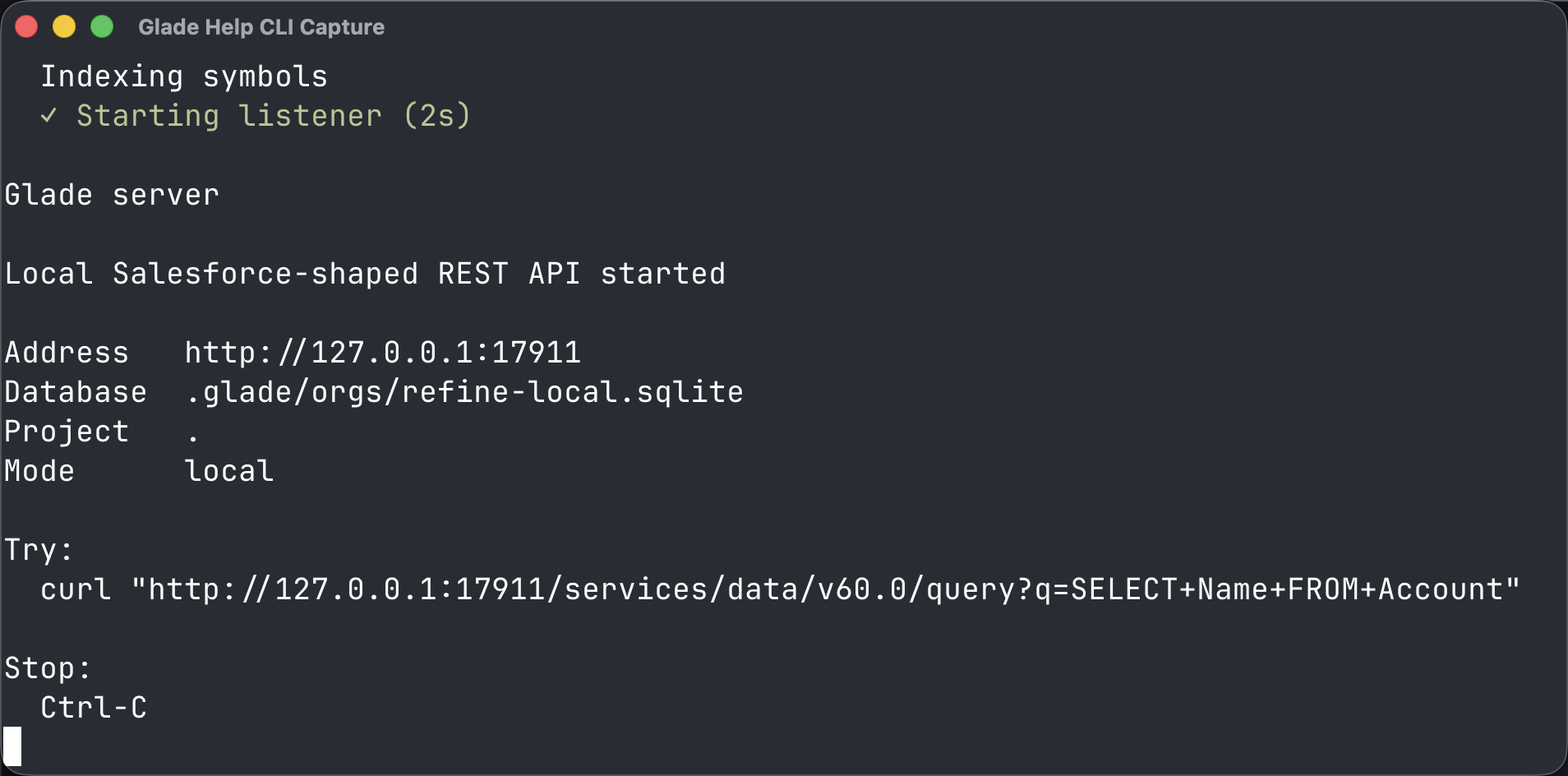
2. Register the target with sf
Open a second fresh terminal window in the same project and run:
export GLADE_SF_HOME="$PWD/.glade/sf-home"
mkdir -p "$GLADE_SF_HOME"
export HOME="$GLADE_SF_HOME"
export SF_USE_GENERIC_UNIX_KEYCHAIN=true
export SFDX_USE_GENERIC_UNIX_KEYCHAIN=true
export SF_DISABLE_TELEMETRY=true
export SF_SKIP_NEW_VERSION_CHECK=true
glade org auth <local-target> --project .
sf org list
Expected: Glade writes a local Salesforce CLI authorization, sf reports Successfully authorized, and sf org list shows only the local <local-target> target.
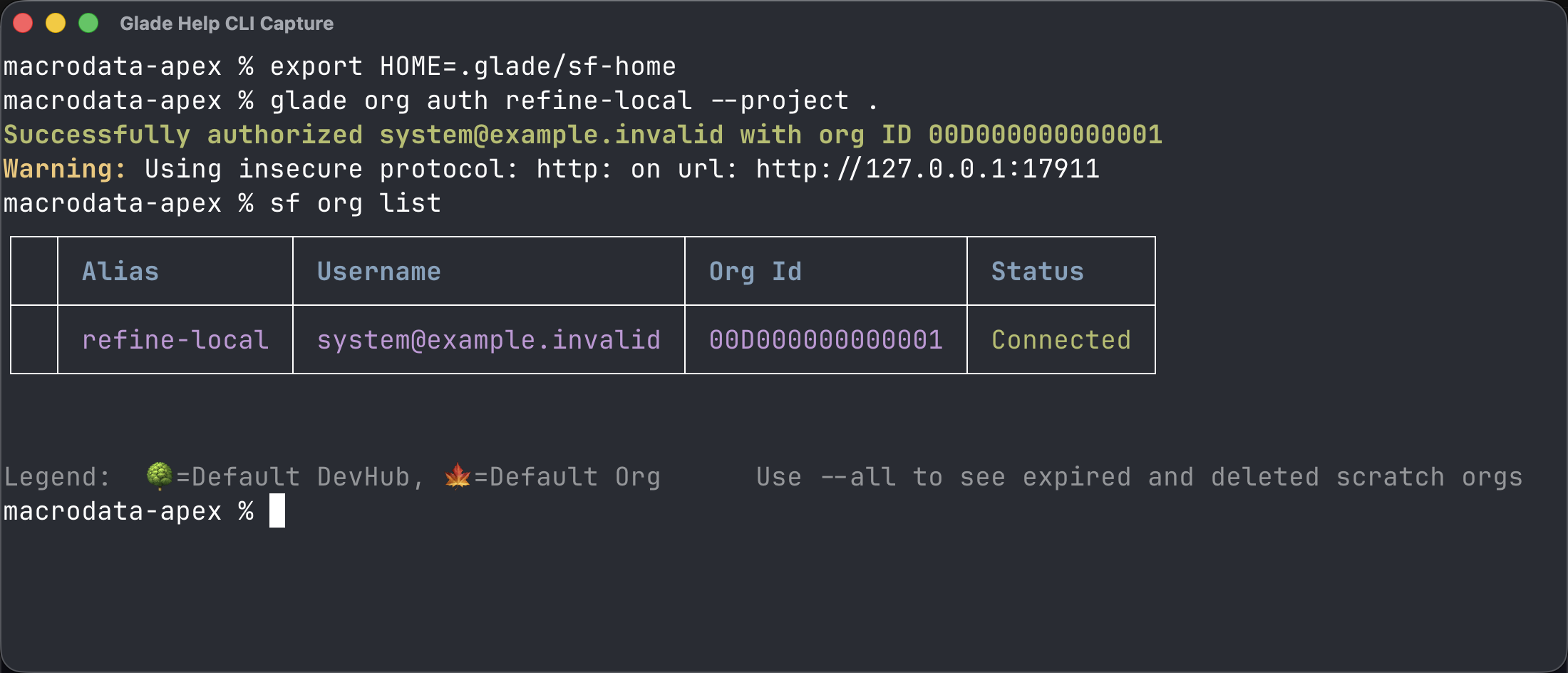
3. Import and query data
sf data import tree --plan <plan-file> --target-org <local-target>
sf data query --query "SELECT Id, Name FROM Account" --target-org <local-target>
Expected: the import succeeds and the query returns the local rows.
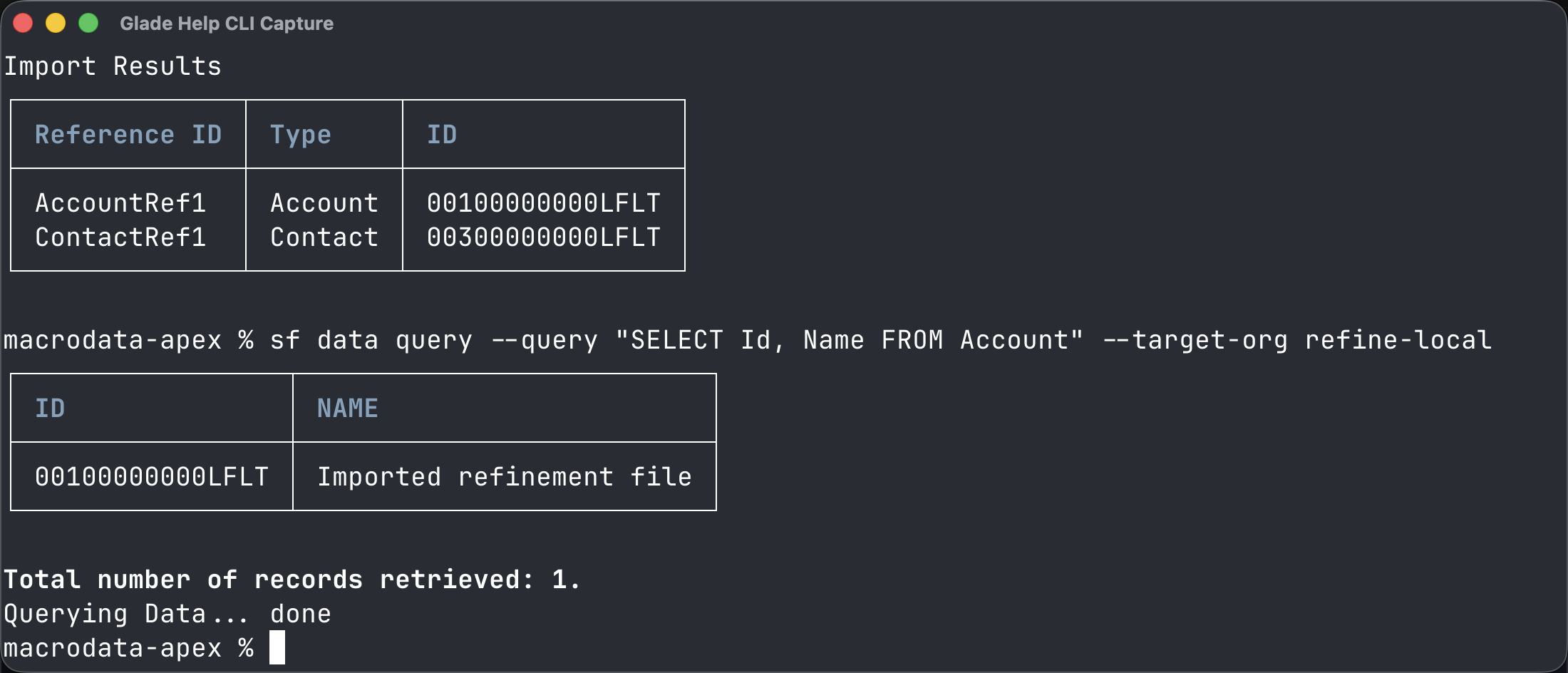
Common wrong turn
If sf cannot find the target, make sure the same terminal window still has HOME="$PWD/.glade/sf-home" and SF_USE_GENERIC_UNIX_KEYCHAIN=true set.