

Use anonymous Apex scratch in VS Code
Task guide
Open a scratch Apex file, run it locally, and read the generated debug log.
- Open a small scratch editor.
- Run the whole buffer.
- Use the active local DB.
For the main task path, use the guide. This walkthrough keeps the illustrated steps and recovery details for this interface.
Before you start
- The bundled Glade extension is installed in VS Code; no particular theme or profile is required.
- The project's Apex source version is eligible for Execute Anonymous (65.0, 66.0, 67.0, or 68.0).
- The active Glade local data environment is the one you want to write to.
The screenshots use a clean VS Code profile with Glade, Catppuccin Mocha, and the Salesforce Apex extension, with unrelated extensions omitted for capture. That records the illustrated environment; your normal profile and theme can be used for this task.
Steps
1. Open the scratch buffer
Open an anonymous Apex scratch buffer or a small .apex scratch file.
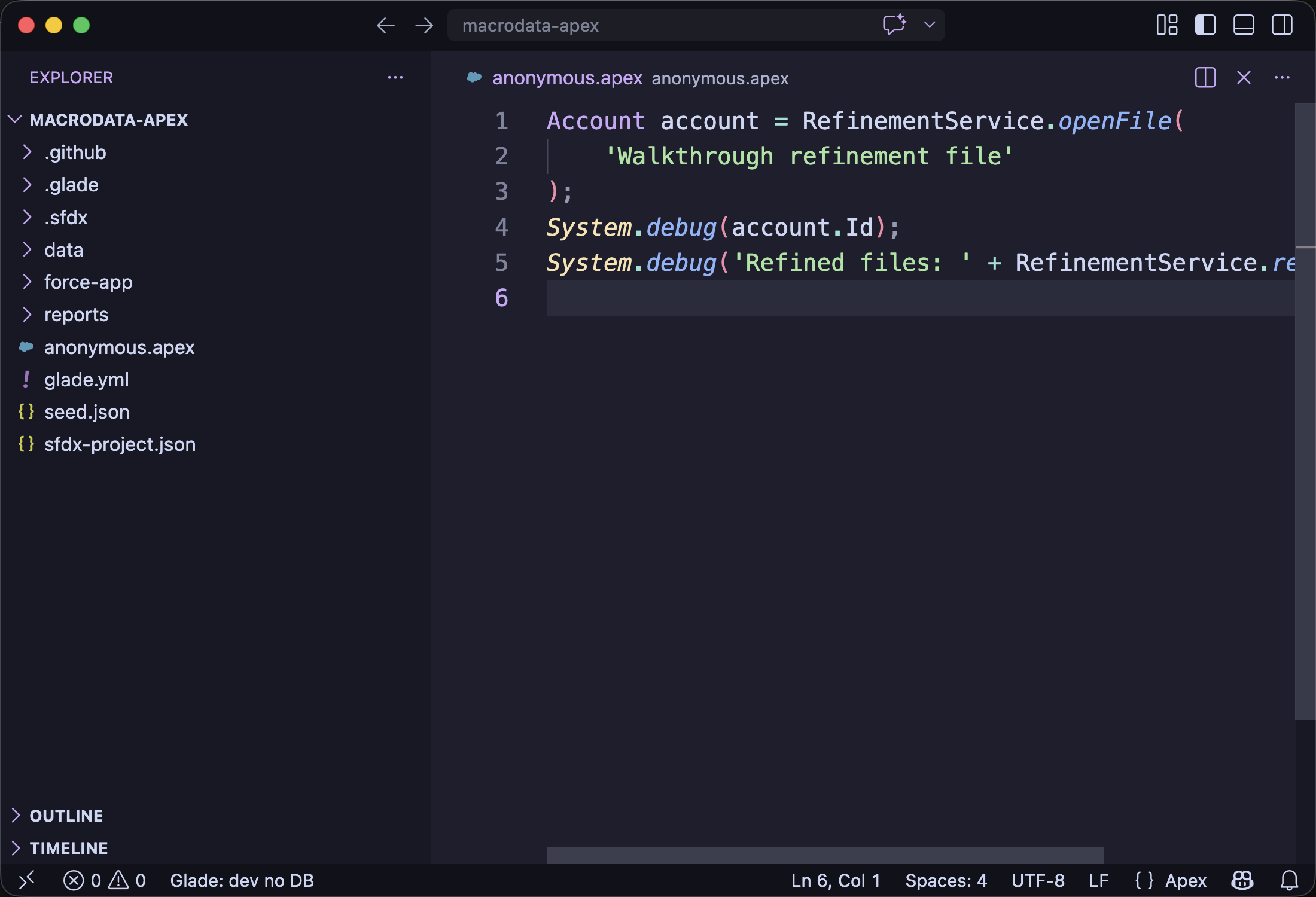
2. Run or debug the Apex
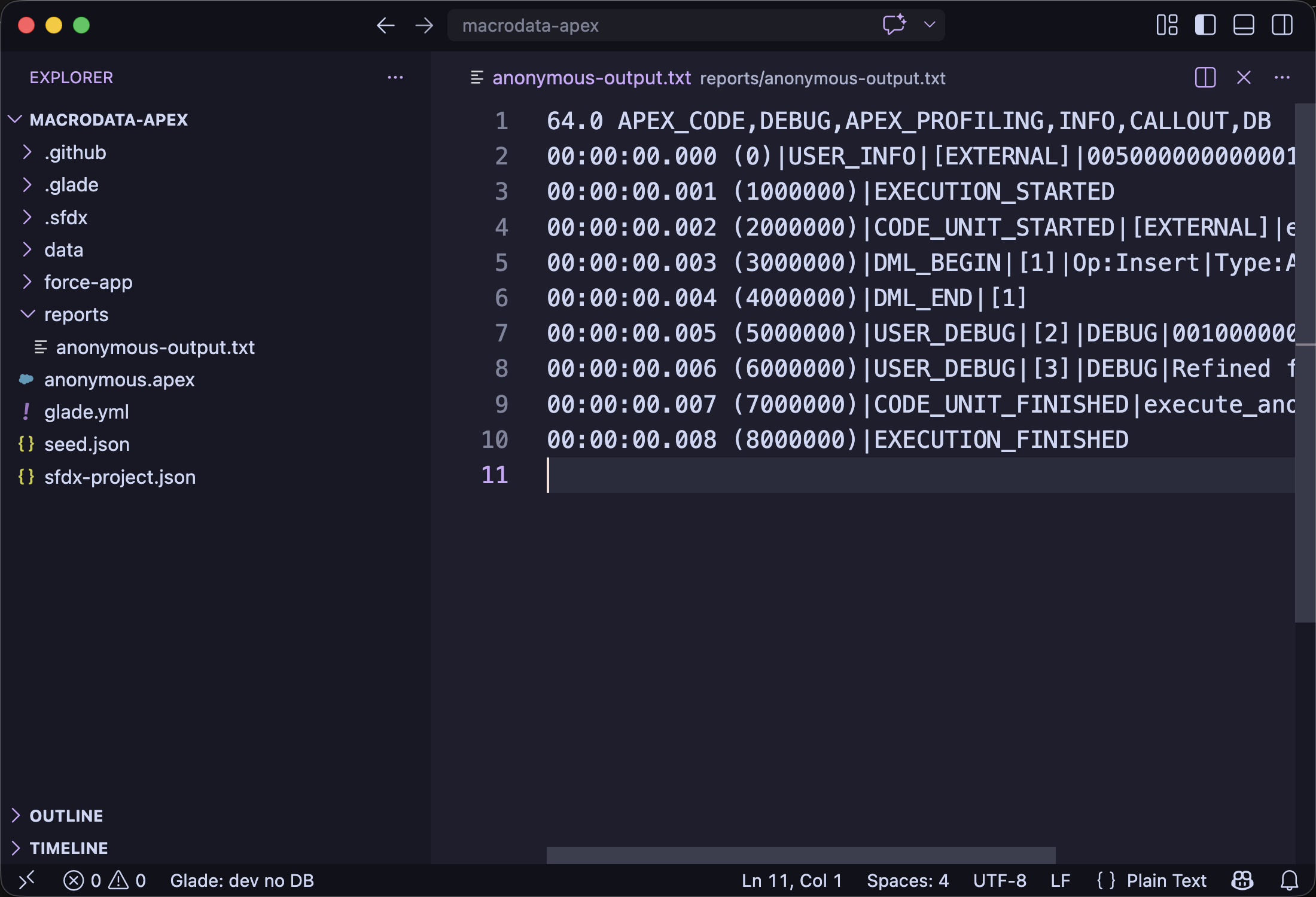
Use Cmd+Enter on macOS or run glade exec --debug-log - --project . <apex>. Select a smaller block when you want to run only part of the buffer.
Expected: Glade runs local anonymous Apex against the active DB and prints a Salesforce-style debug log.
Common wrong turn
If the command says no Salesforce DX project is open, open the project root folder, not a single .cls file.